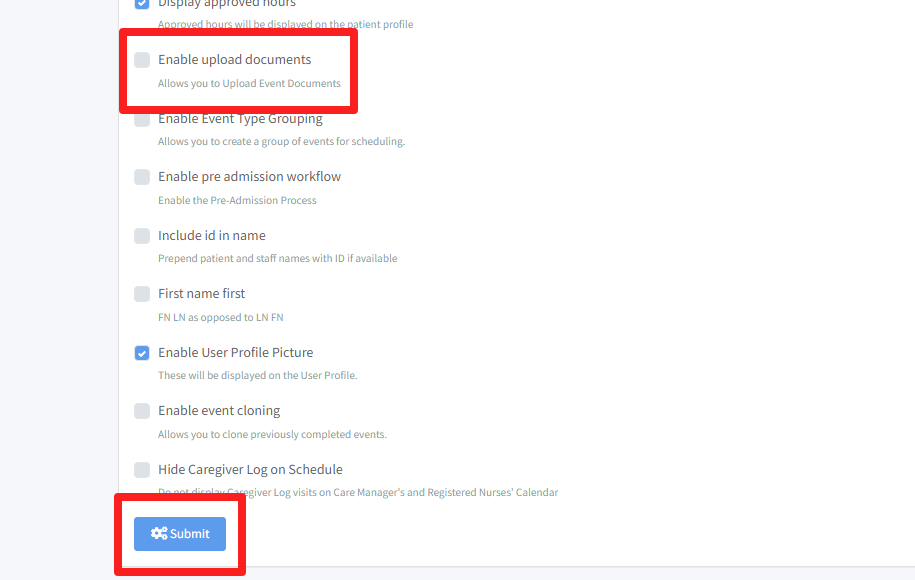
Updating Enabling Documents Upload
REQUIREMENT & PERMISSIONS
User should be superadmin to manage setting.
Watch Video
Documentation
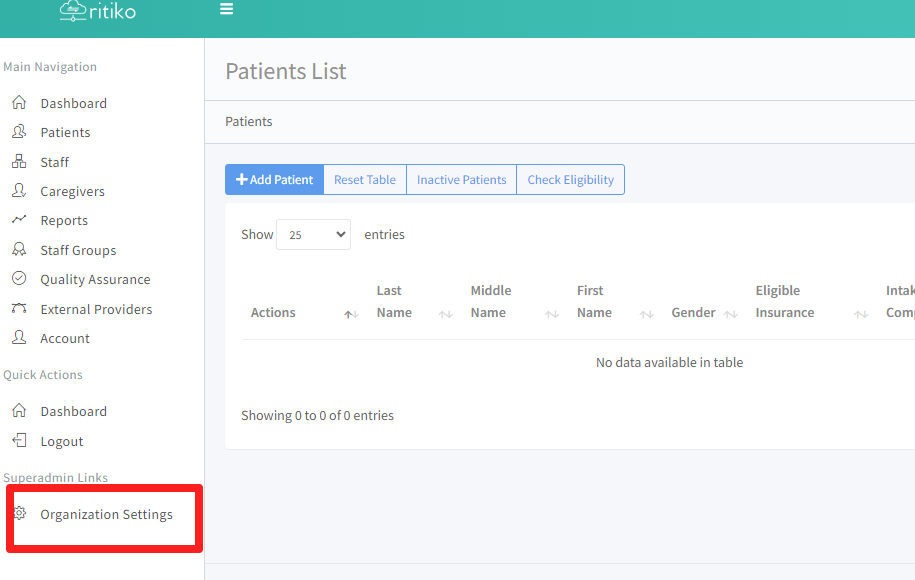
- Under your main navigation sidebar, click ORGANIZATION SETTINGS.
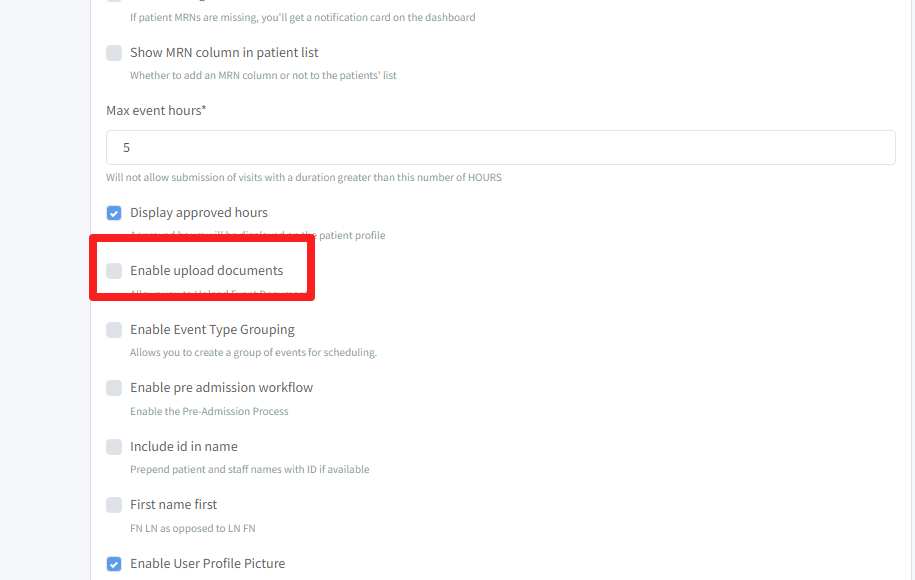
- Under configuration, scroll down and click on ENABLE UPLOAD DOCUMENTS. (This allows you to upload event documents.)
- Click SUBMIT.